01
Research & scope
I start with the product, users, codebase, and call flows - then turn the fuzzy brief into a focused first milestone.
Vault Zero builds AI receptionists for plumbing, HVAC, roofing, and electrical teams that need after-hours and overflow calls captured with clear intake and human handoffs.
Selected teams behind the work


One workflow from fuzzy idea to shipped AI app or voice agent - research, design in code, working software, and verification.
01
I start with the product, users, codebase, and call flows - then turn the fuzzy brief into a focused first milestone.
02
I shape the interface or conversation flow in the actual stack, sharing progress early so we can test and iterate quickly.
03
I finish the production build, test important app and voice paths, and deliver through your repository. I stay close through launch.













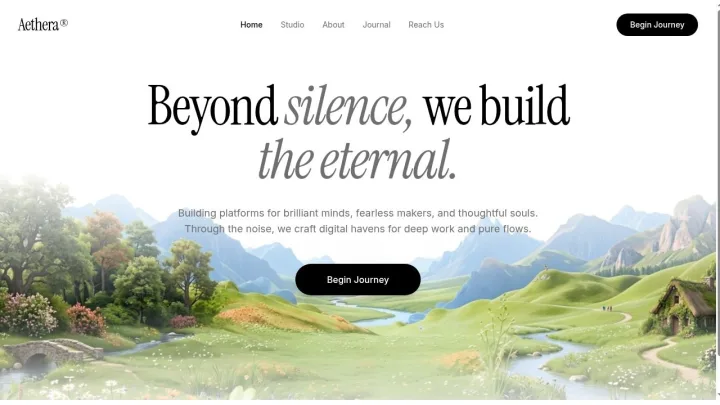
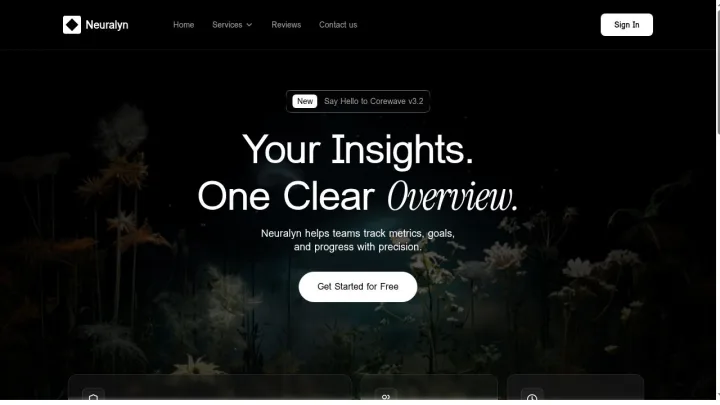
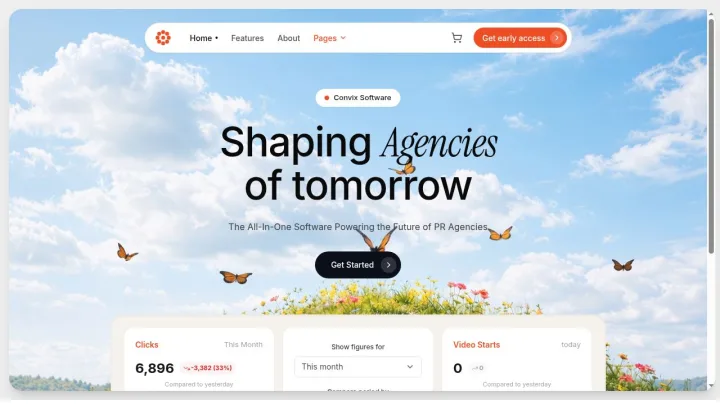
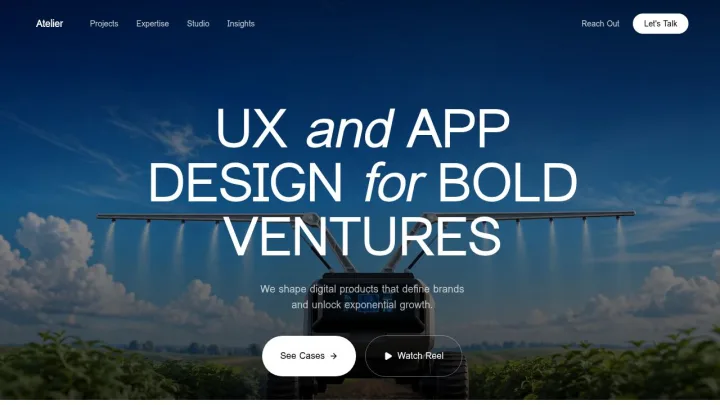
AI apps, agent workspaces, and customer-facing products - browse the screens or open the apps to see the work running for real.
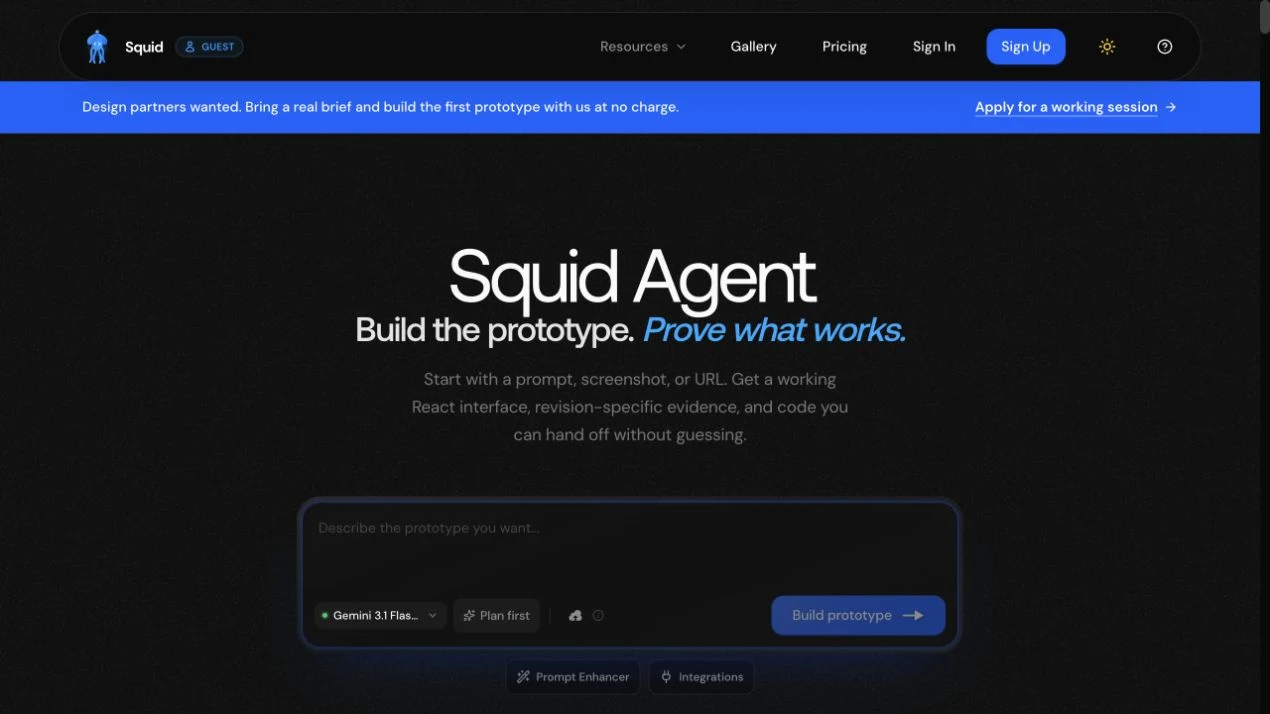
Live product
An AI product workspace for turning prompts, screenshots, and URLs into working React prototypes with evidence built in.
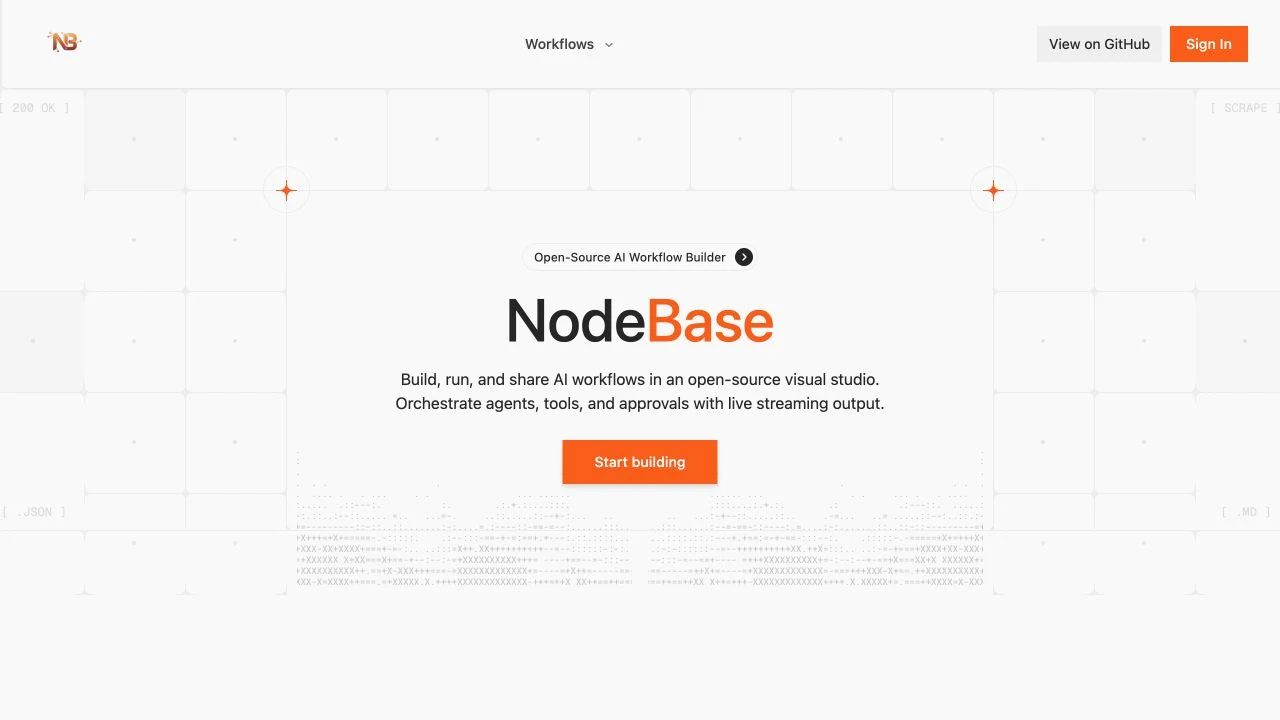
Live product
An open-source visual studio for building, running, and sharing AI workflows across agents, tools, and approval steps.
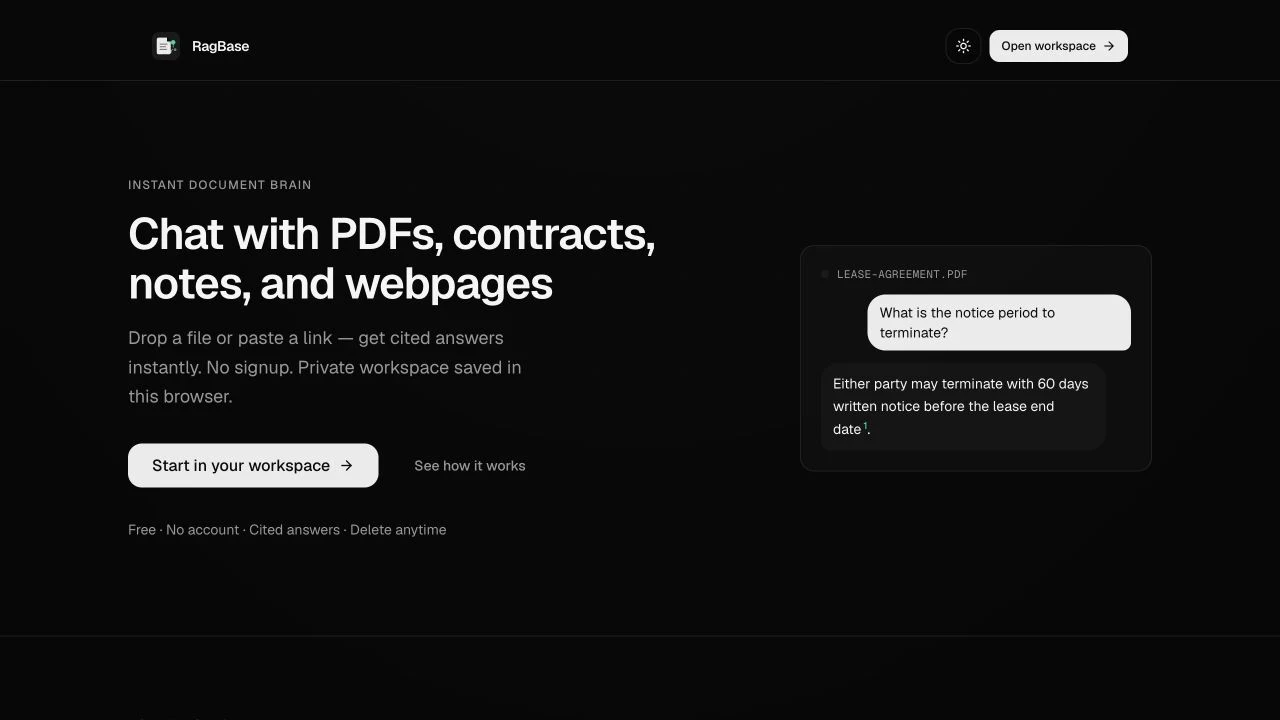
Live product
A private document workspace for cited answers from PDFs, contracts, notes, and webpages without signup friction.
Live product
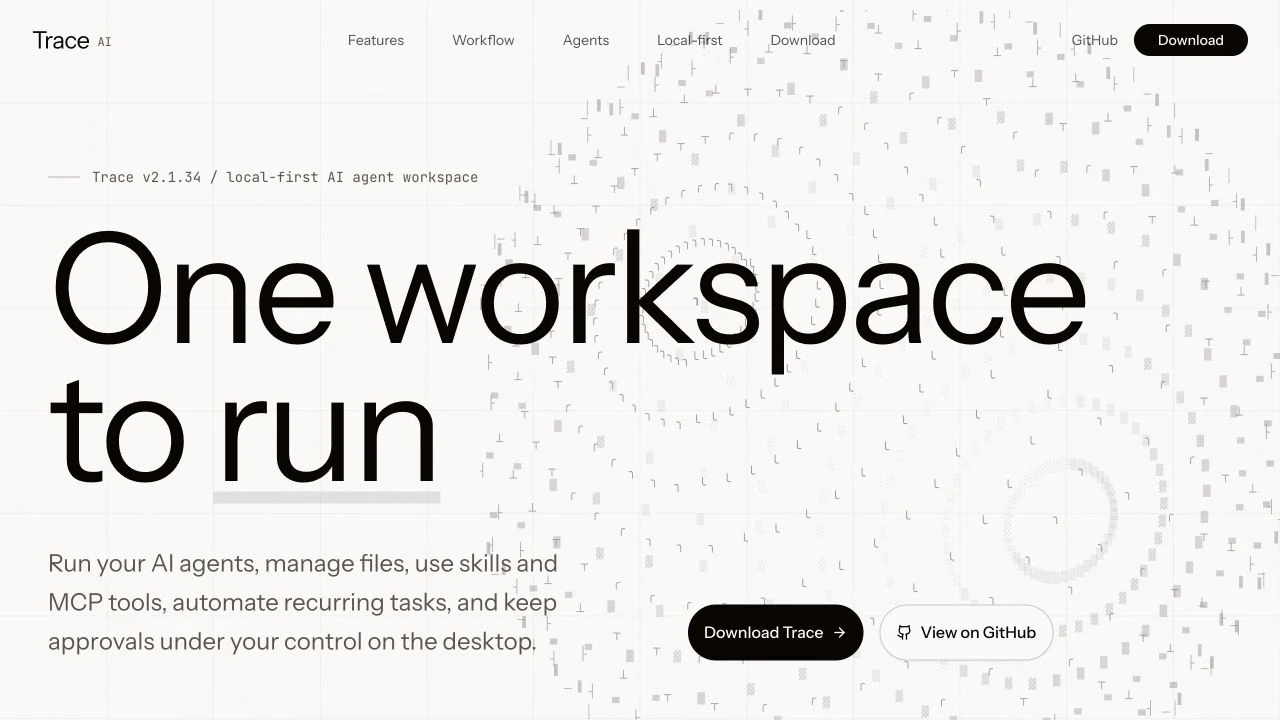
A local-first desktop workspace for running AI agents, managing files, using skills and MCP tools, and keeping approvals under control.
Start with voice coverage alone or connect the website, web assistant, and phone workflow. Custom integrations are scoped only after the current systems are confirmed.
$99 / month
A focused phone workflow for missed calls, overflow, or after-hours intake.
$139 / month
A service website, web assistant, and voice receptionist with one intake path.
Call and assistant usage is included in the monthly service price. There are no customer per-minute charges or overage fees.
Calendar, CRM, dispatch, transfer, and SMS work is quoted only after the existing tools, permissions, and operating rules are reviewed.
Live voice demo
Call the public line, choose your trade, and test a real customer scenario whenever you are ready.
Elliot identifies himself as an AI demo before the role-play begins.
Demo only · no booking or dispatchClear boundaries before a demo becomes part of the real phone system.
Start with one coverage gap: unanswered calls, overflow while the office is busy, or after-hours intake. Define the next useful step for those calls, preserve a human fallback, and test that narrow path before changing the whole phone system.
Buyer field notes
A four-week pilot plan with measurable intake, routing, transfer, safety, reliability, staff-workload, and caller-experience decision gates.
Read the field noteA practical worksheet for estimating AI receptionist cost from real call volume, provider charges, setup work, quality review, and human fallback.
Read the field noteA practical buyer's guide to using an AI receptionist for plumbing calls without letting automation guess at emergencies, pricing, or dispatch.
Read the field noteShare the missed-call problem or AI product, where it stands, and what a useful outcome looks like. I'll make our first conversation concrete.
Prefer email? drewsepeczi@gmail.com
Tell me where calls get missed, what a useful handoff contains, and which situations still need a person. I'll map the narrowest pilot that can answer those questions honestly.

